
make the track.
notei's studio, in your browser.
try studio soonone track at a time.
keys
a pad under it
a bass that follows
drums on named lanes
a line from notei soon
drop a loop. make it yours.
every loop is MIDI, so every note stays editable. bass, keys, pads and arps follow your chord track.
shown over A minor: Am, F, C, G. you can import your own MIDI files too.
change the chords. the loops follow.
bass, keys and pads read your chord track, so one loop works under any progression.
drawn from the studio's own loop library, rendered over each progression.
no MIDI keyboard? use this one.
the home row plays the white keys, the row above plays the black ones. try it: press A, S, D.
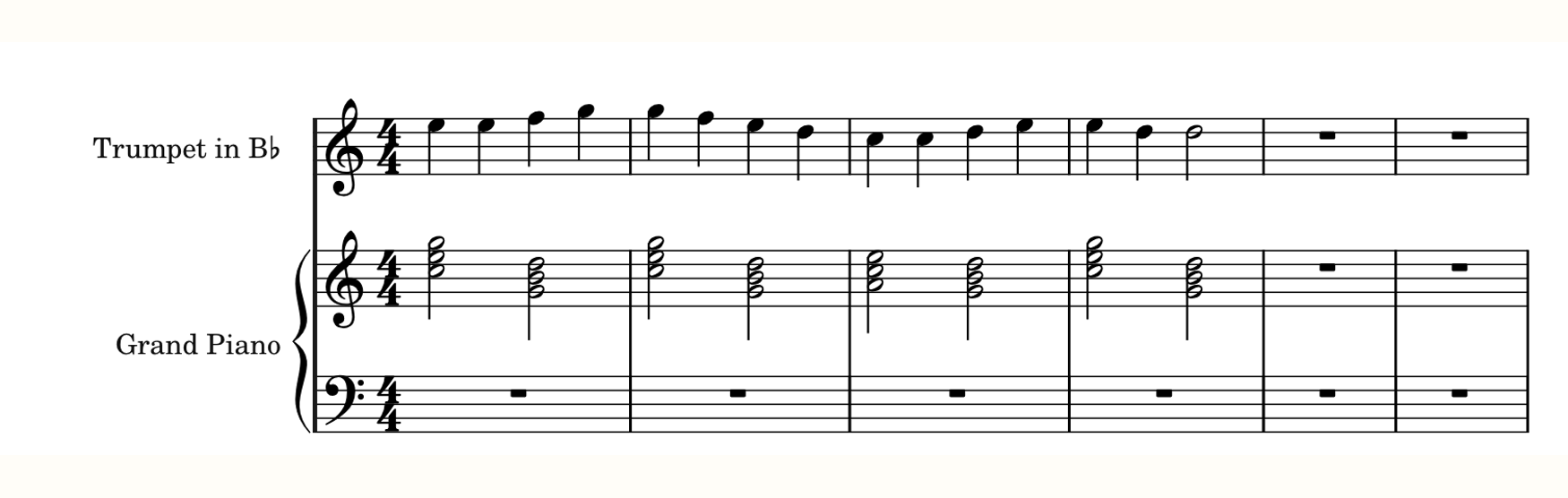
start from a score you already wrote.
open any notei score in studio, straight from the editor.

program a groove on named step lanes.
what the beta is, and isn't.
in the beta
- arrangement
- piano roll
- drum lanes
- chord track
- MIDI loops + import
- open any notei score
- save with a free account
- takes from notei soon
not in the beta
- audio tracks
- automation
- tempo changes
- track folders
- hardware MIDI input
a free account saves your tracks.